PDF Juicer compresses PDFs by up to 90%, extracts images, text and links, and automates the whole workflow with Folder Watch, Shortcuts, and a Finder Quick Action. Native, sandboxed, 100% offline.
✓ macOS 14.0+✓ One-time purchase✓ No subscription✓ No tracking
Features
One toolkit for every PDF chore.
Compression, extraction and automation in one native macOS app — no web upload, no SaaS, no subscription.
Powerful compression
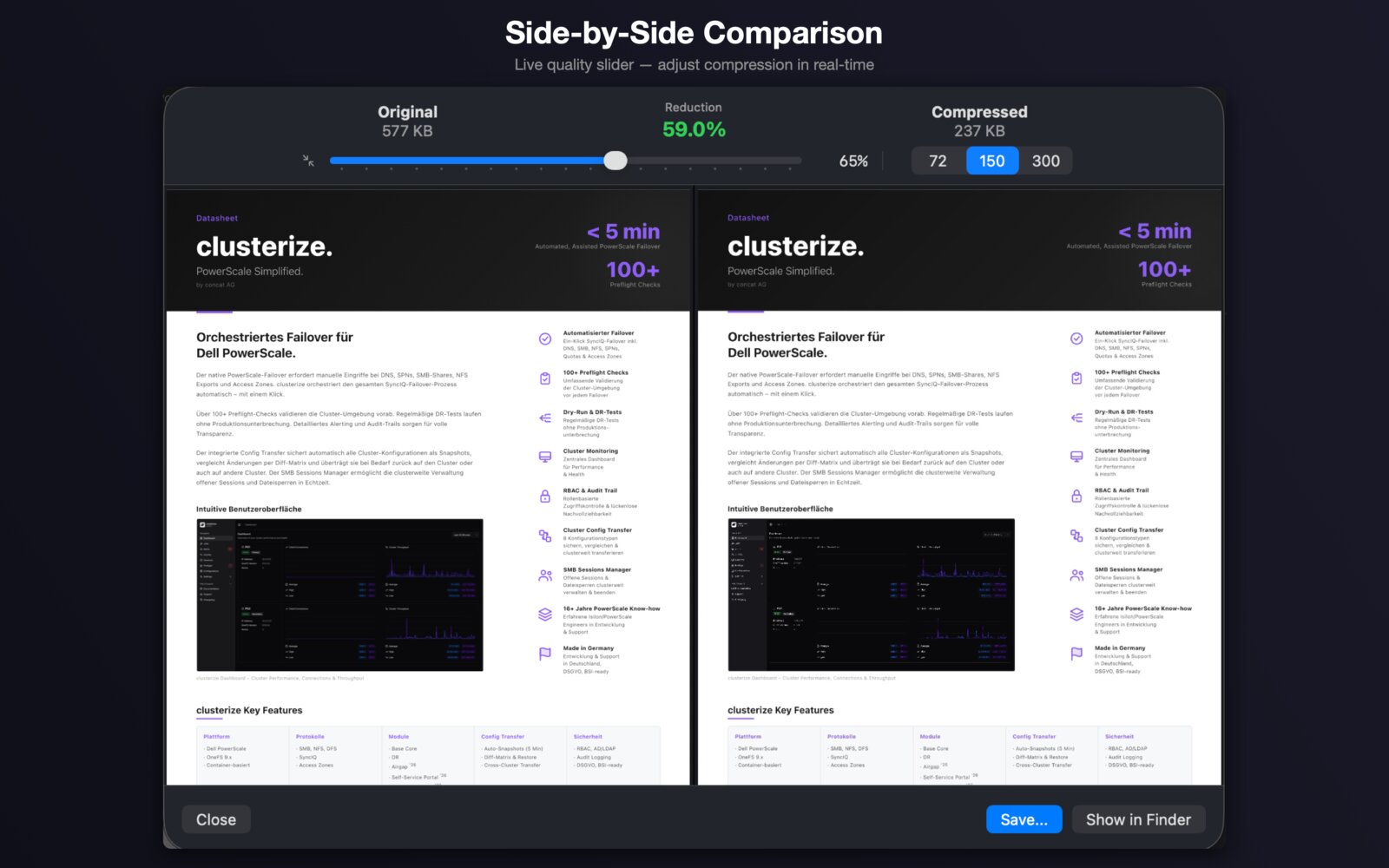
Three built-in profiles — Light, Medium, Strong — plus custom profiles with a live quality slider and side-by-side preview.
Extract images
Pull every embedded image out of a PDF and save them as PNG or JPEG, ready for design, archival or reuse.
Extract text
Convert any PDF into plain TXT or rich RTF — perfect for editing, research, OCR pipelines, or archiving.
Harvest links
Collect every hyperlink in a document into a clean CSV — great for audits, research and marketing reviews.
Folder Watch
Point PDF Juicer at a scan folder, downloads directory or shared drive — every new PDF gets compressed automatically.
Batch processing
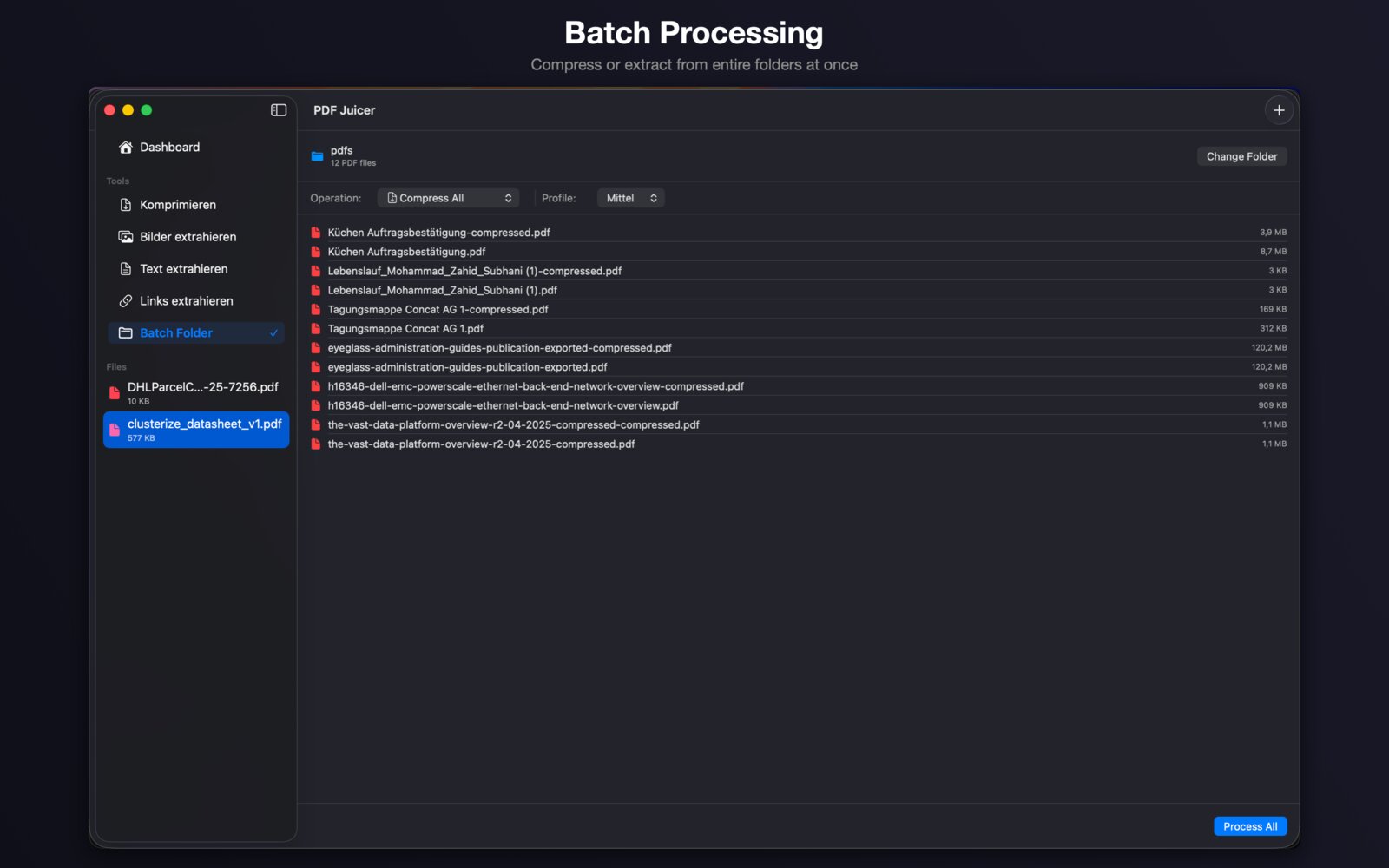
Drop a whole folder and compress or extract from every PDF at once — with running progress and total bytes saved.
Private by design
Files never leave your Mac. PDF Juicer runs fully sandboxed, requires no internet connection, and collects zero data.
Shortcuts & Finder
Compress with one right-click via the Finder Quick Action, or wire PDF Juicer into Shortcuts and Siri workflows.
Savings dashboard
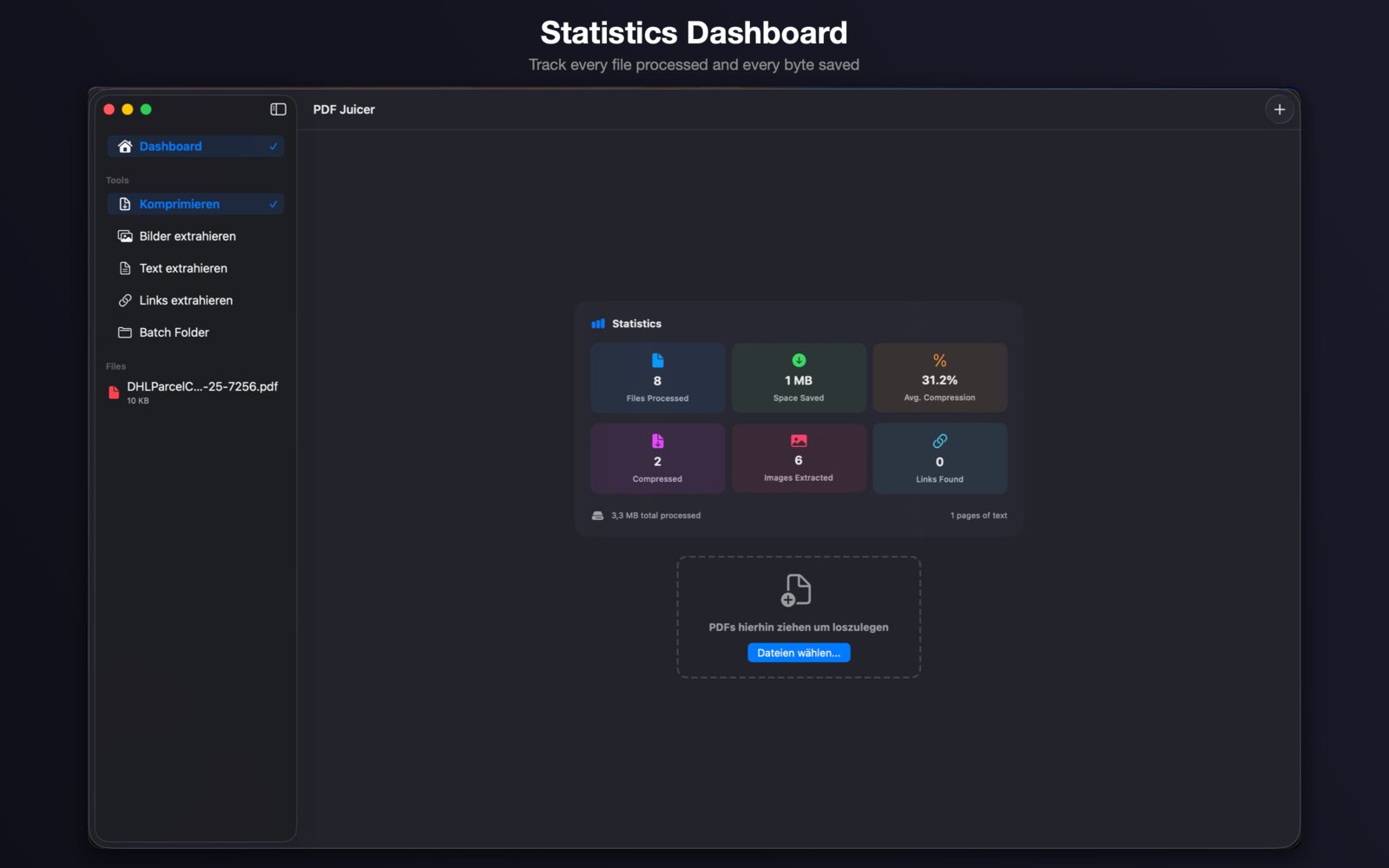
See how many files you've processed and how much storage you've saved over time — at a glance.
Screenshots
A native Mac app, every pixel.
Built with SwiftUI for macOS — sidebar layout, drag & drop, Dark and Light Mode, and a polished, focused interface.
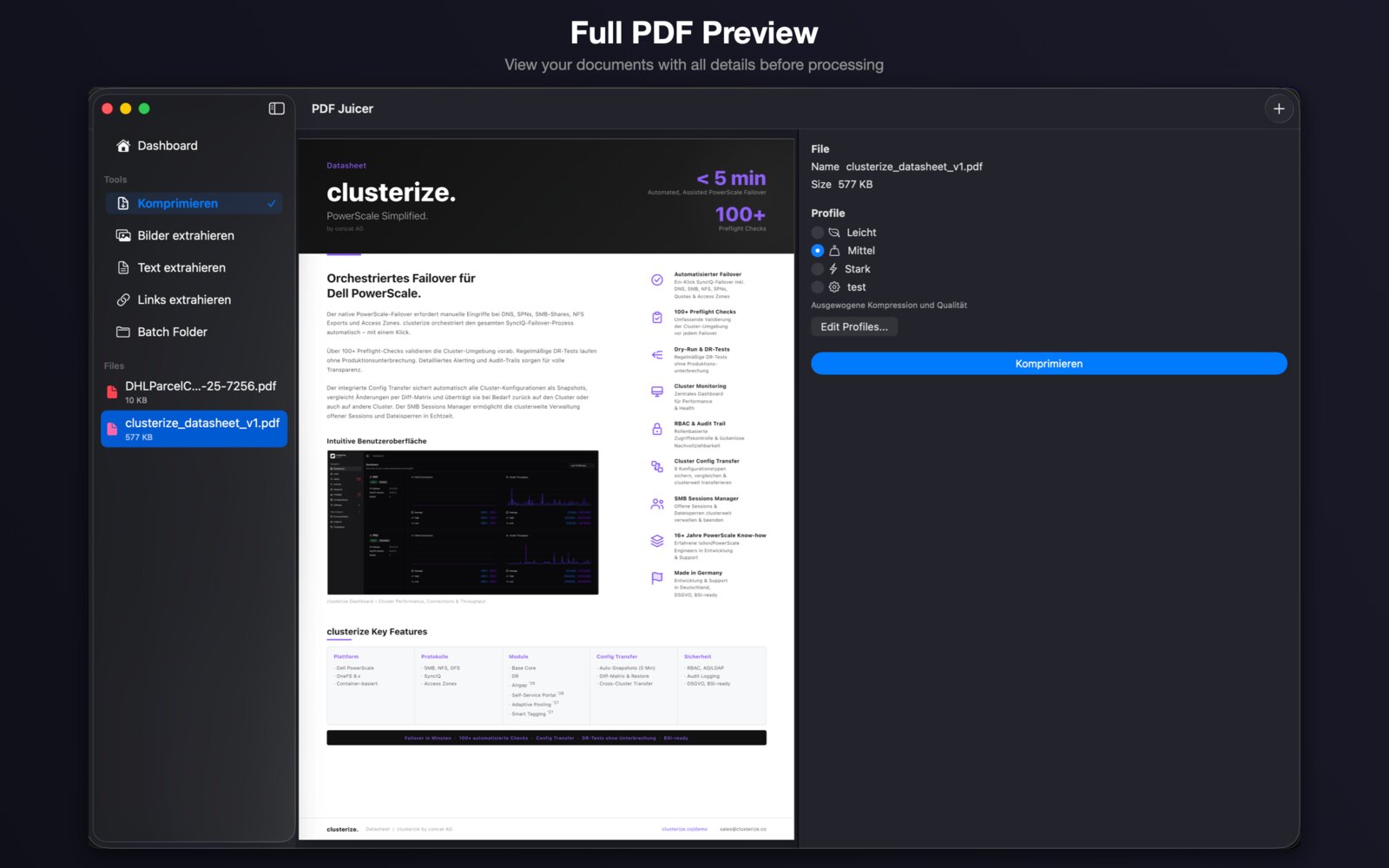
Compress with confidenceInspect every page next to the size and profile controls before you commit.Batch the whole folderCompress dozens of PDFs in one go, with a running total of saved bytes.Track your savingsA clean dashboard with files processed, average compression and links found.
Privacy first
Your PDFs stay on your Mac.
PDF Juicer runs entirely on-device, in Apple's sandbox. No uploads, no servers, no analytics, no tracking.